
How I use Todoist and Sunsama together

Some people try to figure which tool is best for their productivity needs: Sunsama or Todoist.
But it’s not a should I use this or that question. I use both, as they have different use cases.
- Todoist: a to-do manager
- Sunsama: a guided planning app
Todoist and Sunsama make a great combo and enables you to get the best of both worlds: a great to-do manager and a great planning app.
One of the great things about Sunsama is that it integrates with lots of other task managers and project management apps, including Todoist. This makes it super easy to use both together.
Todoist backlog
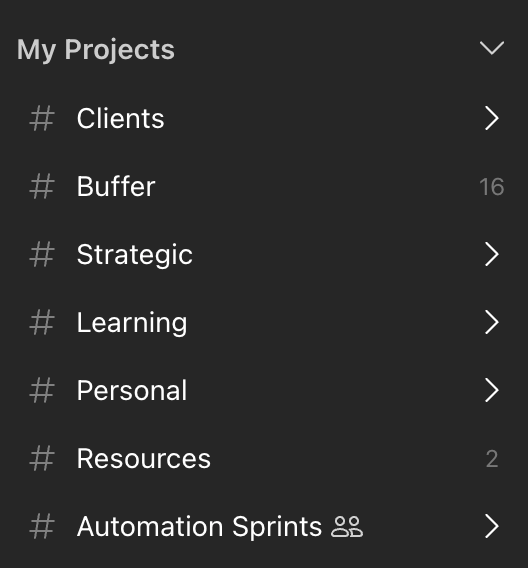
I use Todoist as the backlog for various business and client projects. Whenever I realise there is a new action I need to take at some point, I add it to Todoist.
Weekly planning
When I do my weekly planning each week, I go through the projects in Todoist and decide what I want to tackle that week. I don’t work on every client project every week, so I don’t need to look at all of them. I work in sprints and schedule sprints in advance for clients. So I’m generally only looking at one or two clients in this process.
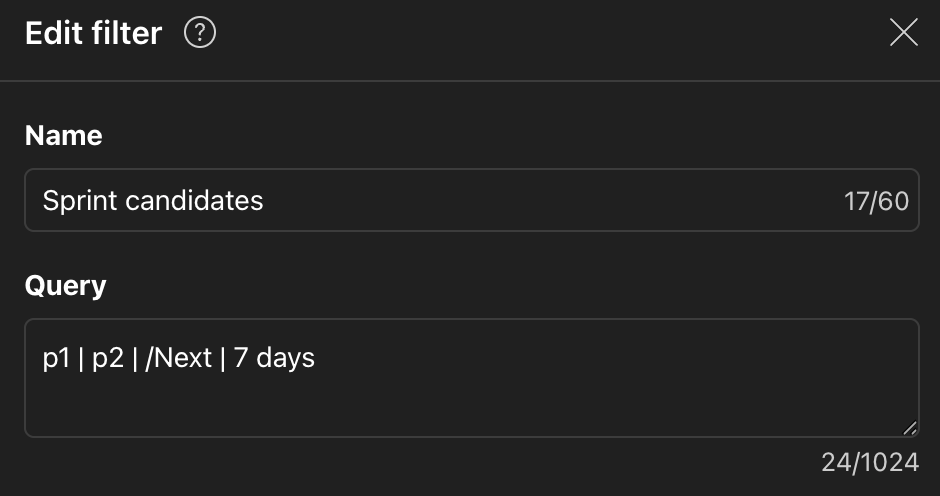
When I decide what I want to tackle that week, I use the priorities in Todoist.
- p1: must get done that week
- p2: would be great to get this done
And then I have a saved filter with the P1 and P2s. I call this “This sprint”
Pull into Sunsama
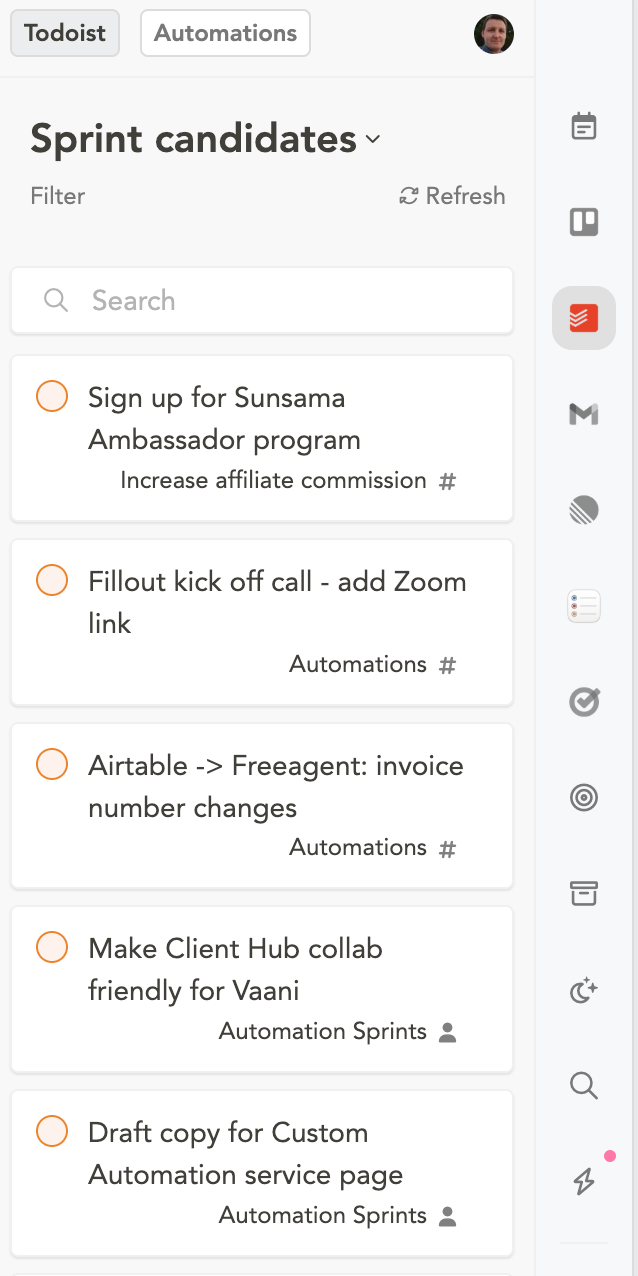
I then open Sunsama and start to pull tasks into it. With the Todoist integration, I can change it so that I only see the saved “This sprint” filter. This is a great way to cut out the noise and focus on just what I need.
At this point, I’ll already know which days of the week I’m working with clients and which days I’m working on my own business. So I’ll drag any client and business tasks into the relevant days.
Task estimates
Both Todoist and Sunsama both have task estimates. But unfortunately, if you had an estimate to Todoist, it won’t use it in the estimate field in Sunsama. That is a shame.
So I don’t bother with the estimate field in Todoist and just add the estimate to Sunsama during this planning session.
That does mean there is an element of back and forth. I may pull in tasks into Sunsama, and then estimate them and then realise that I don’t have enough time to complete them. Therefore, I may end up pushing some of them back to Todoist.
Using Sunsama and Todoist together
As you can see from this, both tools have their jobs to do. For me, Todoist is the task backlog and Sunsama is my weekly planning tool.
You could use Todoist as the weekly planning too if it works for you, but for me, it isn’t a touch on Sunsama for that purpose. And Sunsama integrates with many other tools that I use, like Trello, email, Reminders etc so it goes beyond just using it with Todoist.
Sunsama’s backlog 2.0
Sunsama has released a redesigning their backlog. I’m still evaluating it for my needs, and so far, it’s very promising. So it may actually replace Todoist. More on that in a future post!
No spam, no sharing to third party. Only you and me.